Marking progress, as quick as the register.
Tap Same or Next beside each student and the whole class is done, Qa’idah, Qur’an or Hifz. Every lesson saves to the student’s record, homework follows on, and parents hear the same day.
- 1 tapper student
- No save buttonfor Hifz: every tap saves
- Same dayupdates for parents
Qa’idah, lesson by lesson.
Each student is on their own book, and the register knows where they’re up to: Noorani takhti by takhti, Iqra’ page by page, Safar lesson by lesson. Tap Same or Next and the whole class is done.
Open a student for the detail: tick the letters they know, and grade each lesson Learning, Practising, Secure or Mastered. When they finish the book, Graduate moves them to their next class and tells their parents.
Qur’an, juz by juz, page by page.
The register shows each reader’s juz and page, and Next can move them on as many pages as they read. The full sheet adds the mushaf they read from, recitation quality, and tajweed rule by rule.
When a student completes the Qur’an, Mark Khatam starts them again and keeps every khatam on their record, with a badge to go with it.
Sabaq, Sabaq Para and Dhor, on one screen.
Mark how much each student recited, half a page, a full page, lines, or quarters of a juz. Mark all passed covers a good day in one tap, change only what needs work, then Done and the next student is up. Every tap saves.
Add the detail when it matters: mistakes, stuck moments, tajweed slips and self-corrections, with any ayah flagged. Labbaik keeps a list of each student’s weakest ayahs. Programmes that say Sabqi and Manzil see those names everywhere instead.
All 30 juz, at a glance.
The Journey tab shows each hafiz’s juz map: what’s memorised, where they are now, and which way they’re going, from Juz 1 or from Juz 30. History keeps every lesson they’ve recited.
Head teachers see the Recitation overview across every halaqah: how much was completed, and who has repeated the same portion twice or more. At 27 juz, the teacher can mark a student as Hafiz.
Homework that follows the lesson.
Mark the Hifz lesson and the next homework is already filled in: a passed Sabaq moves on, one that needs work comes back again. Add a voice note, say how many times to listen, and send.
Qa’idah and Qur’an carry on the same way, and Send homework with Done sets every student’s next lesson as you finish the register. When it comes back, mark it Completed, Needs improvement or Repeat, and see how often they practised at home.
Practice at home that matches the lesson.
Every Hifz and Qur’an homework task opens the exact ayahs set, recited ayah by ayah with each word lit as it’s read. Practise repeats each ayah, then the whole passage, pauses for the student to recite it back, and can hide the text.
Qur’an text, translations and recitations from Quran Foundation, in IndoPak or Uthmani script, recited by Al-Husary, Al-Husary (Muallim) or Al-Afasy. Free for every madrasah.
Explore the Qur’an CompanionEvery kitab, section by section.
Add a kitab from the Library or upload your own, and its sections become the checklist. Mark each one Done or Skip for the whole class, or note the page they reached, and each student shows how many sections they’ve finished.
The Alimiyyah sheet has a row for every kitab in the year, plus behaviour, and the class tracker shows the year at a glance. Adult students follow their own progress in the student portal.
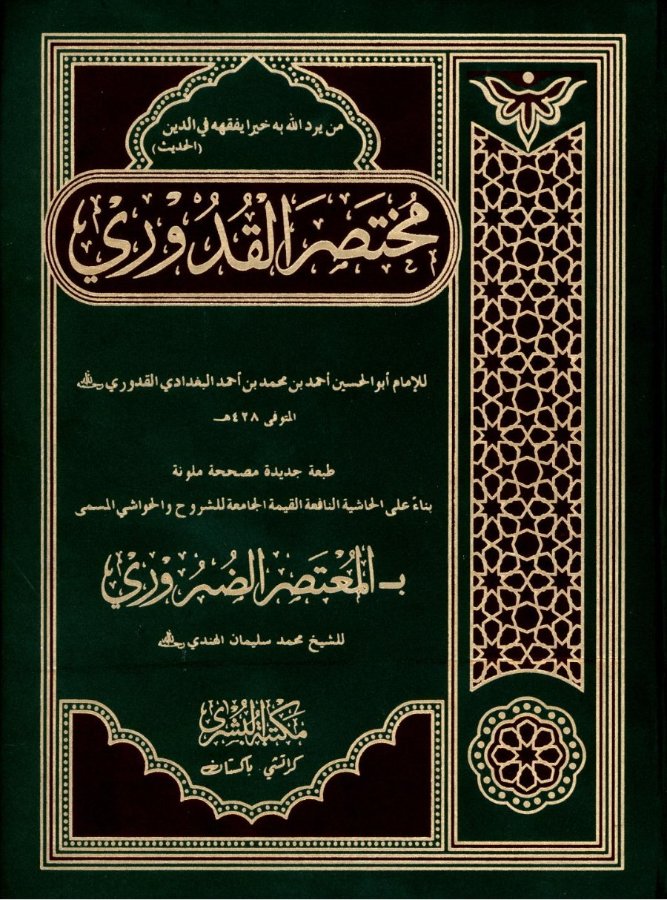
Two shelves, ready to track.
Every book on the Maktab and Alimiyyah shelves comes with its sections already mapped, so adding one to a class takes a tap and teachers can start marking straight away.
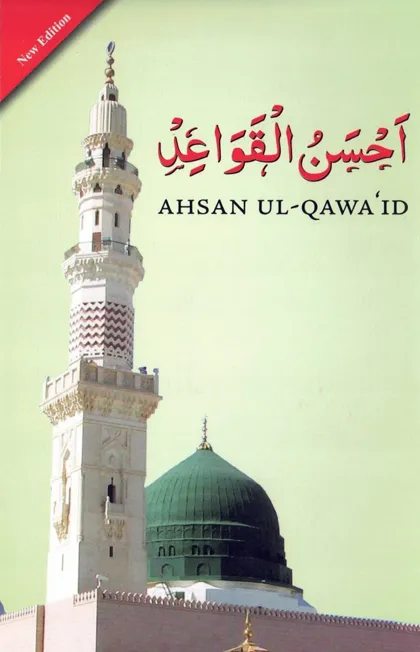 Ahsanul Qawaid (Azhar Academy)
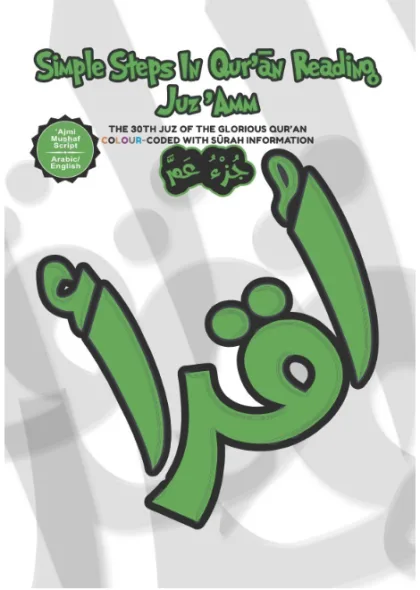 Juz 'Amm (Ajmi)
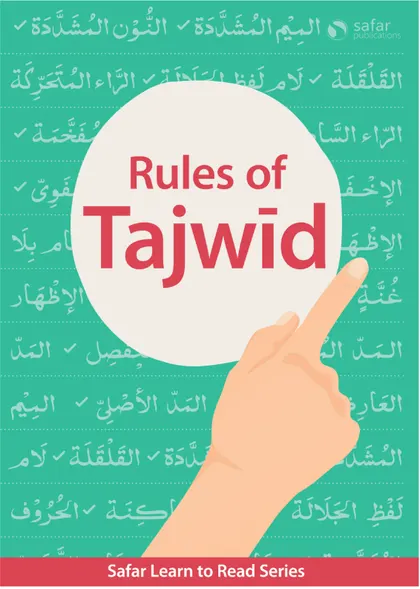 Safar Tajwīd
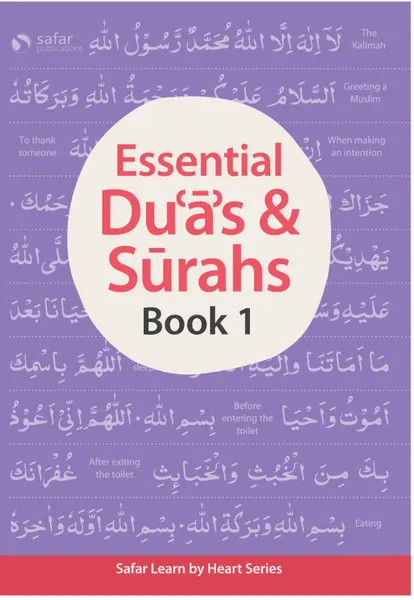 Essential Duʿā's & Sūrahs Book One
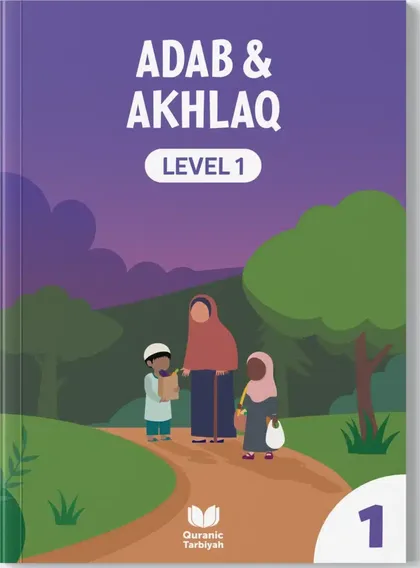 Adab & Akhlaq
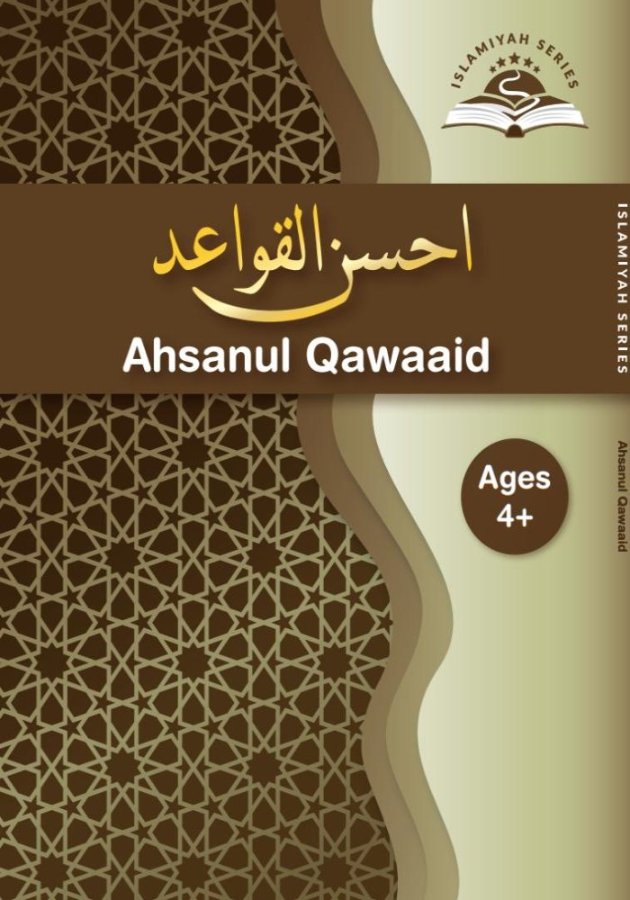 Ahsanul Qawaid (Islamiyah Series)
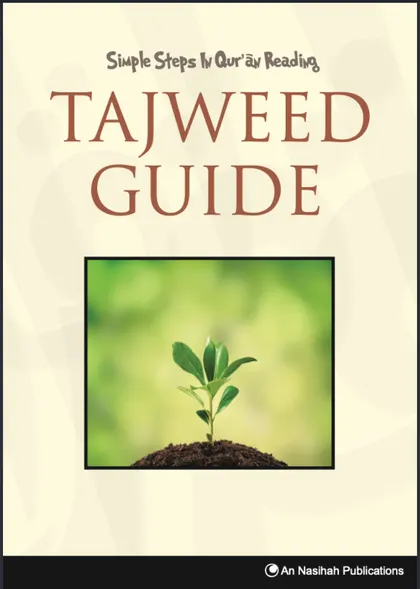 Tajweed Guide
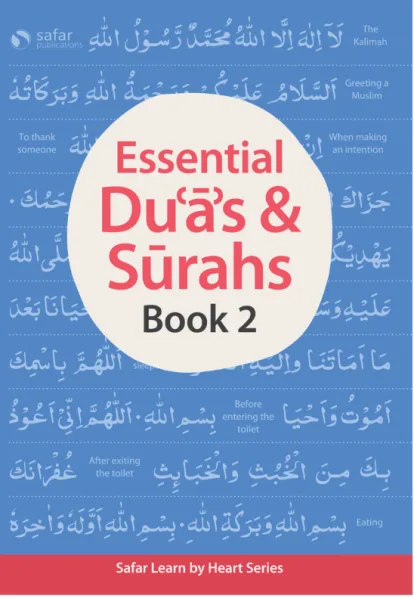 Essential Duʿā's & Sūrahs Book Two
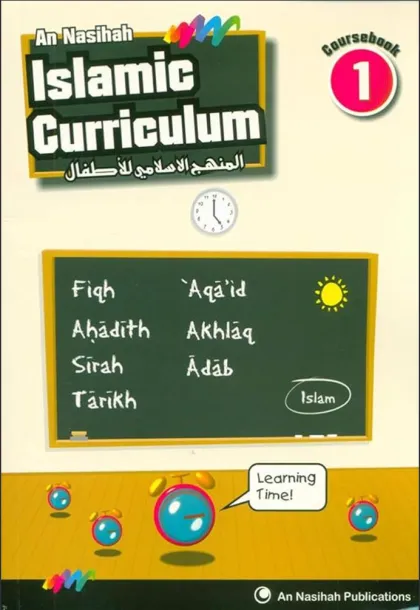 An-Nasihah Coursebook 1
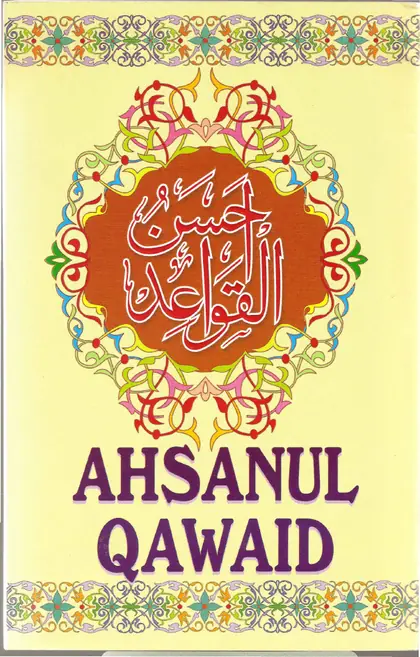 Ahsanul Qawaid (Millat Book Centre)
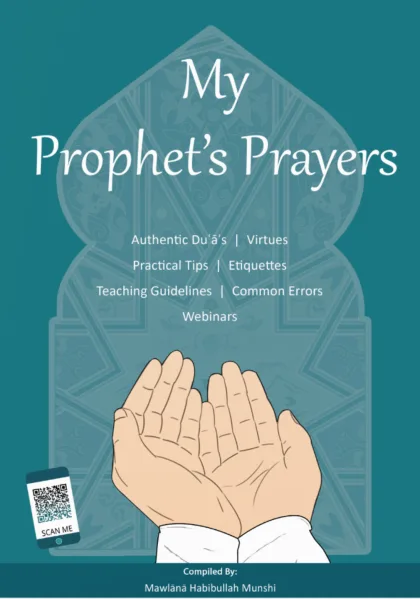 My Prophet's Prayers
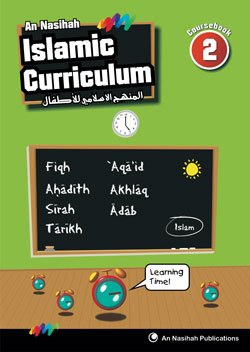 An-Nasihah Coursebook 2
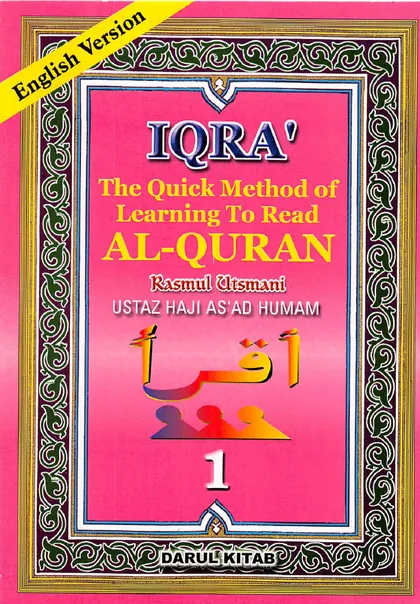 Iqra' Book 1
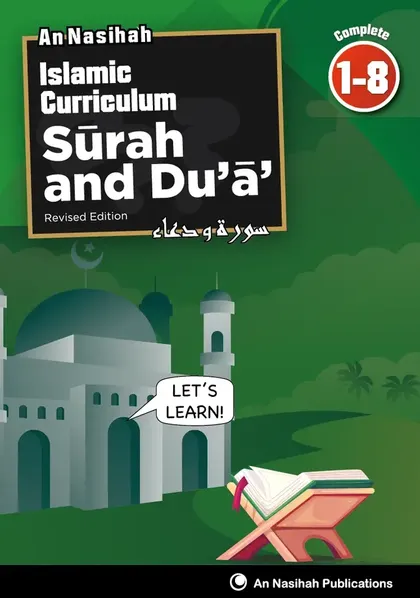 Surah and Dua
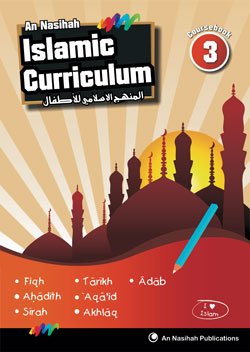 An-Nasihah Coursebook 3
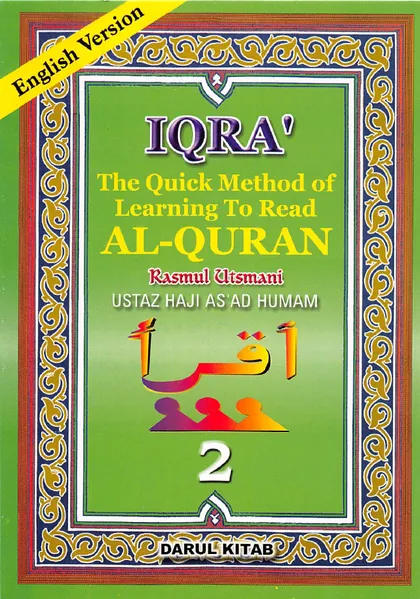 Iqra' Book 2
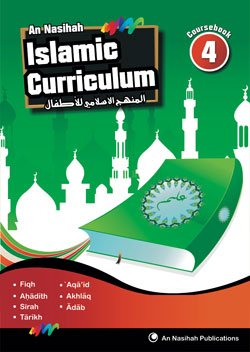 An-Nasihah Coursebook 4
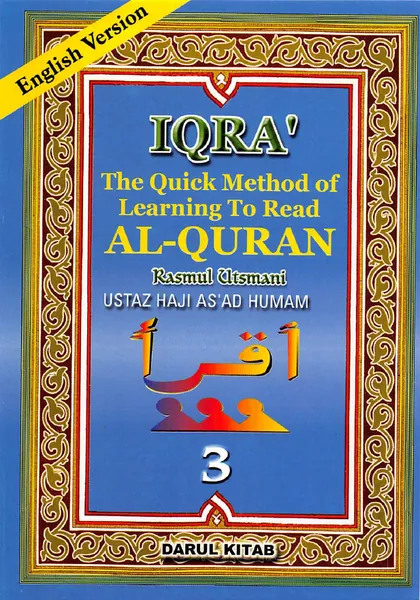 Iqra' Book 3
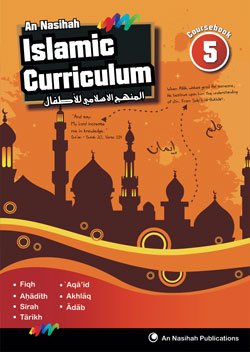 An-Nasihah Coursebook 5
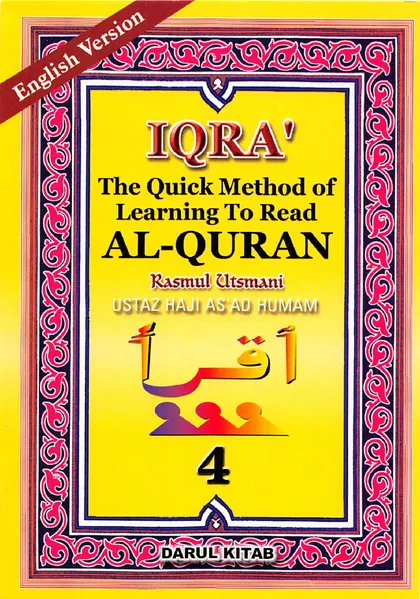 Iqra' Book 4
 An-Nasihah Coursebook 6 (Boys)
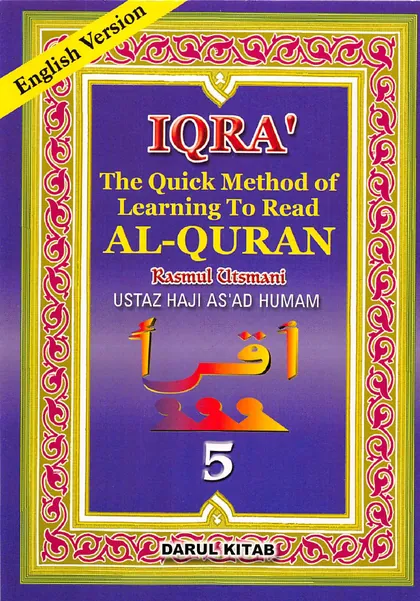 Iqra' Book 5
 An-Nasihah Coursebook 6 (Girls)
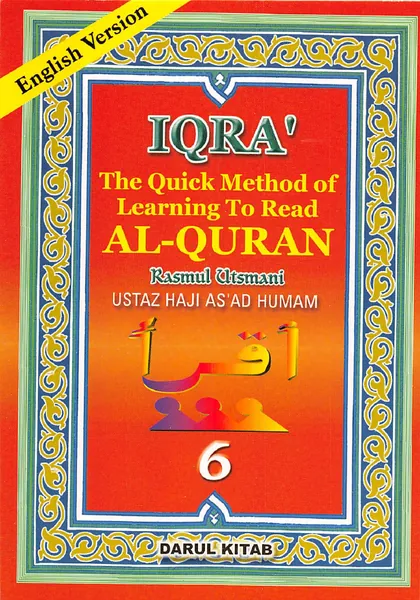 Iqra' Book 6
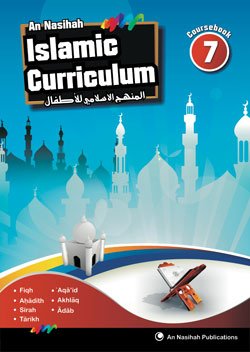 An-Nasihah Coursebook 7
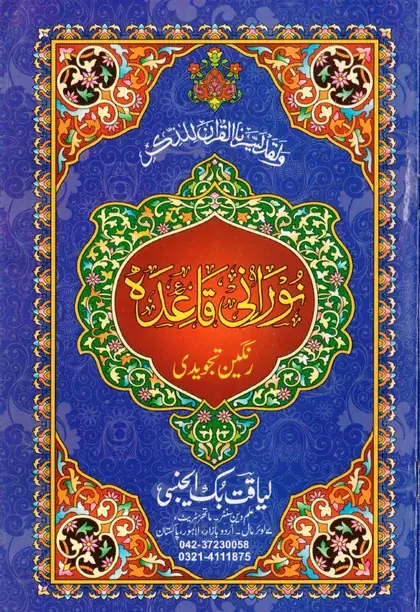 Noorani Qaidah
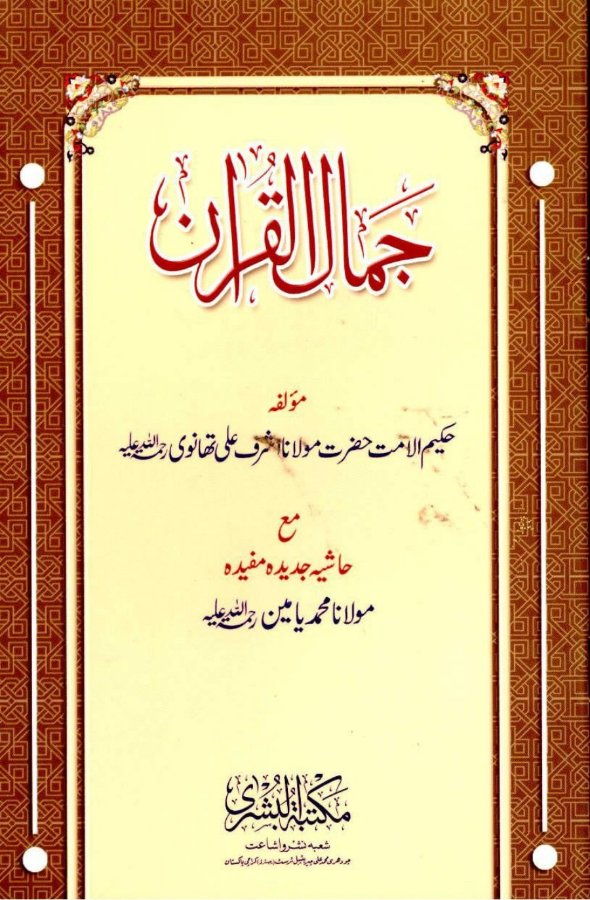 Jamal ul-Quran
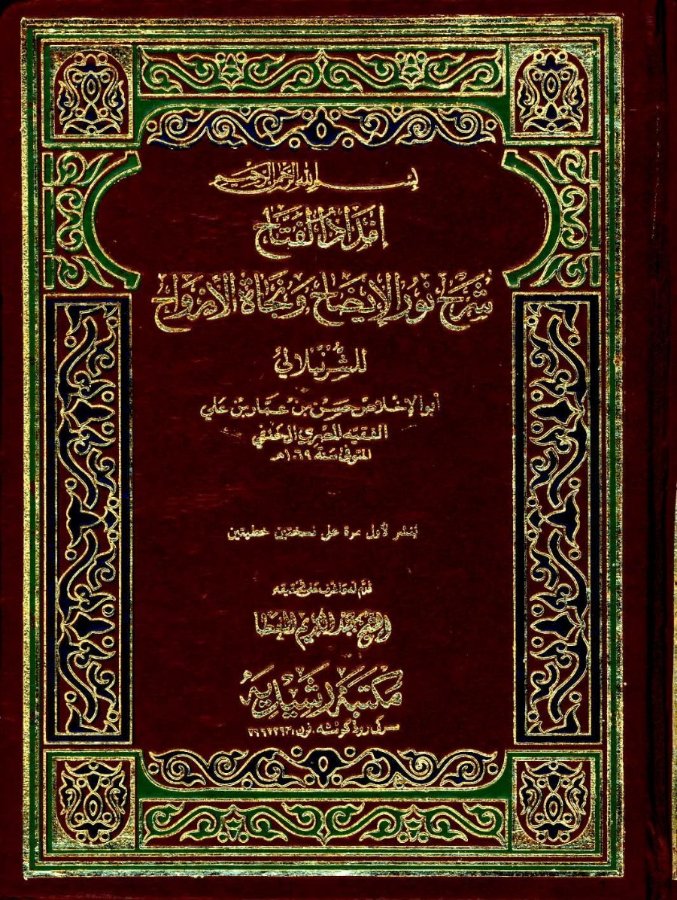 Imdad al-Fattah Sharh Nur al-Idah wa Najat al-Arwah
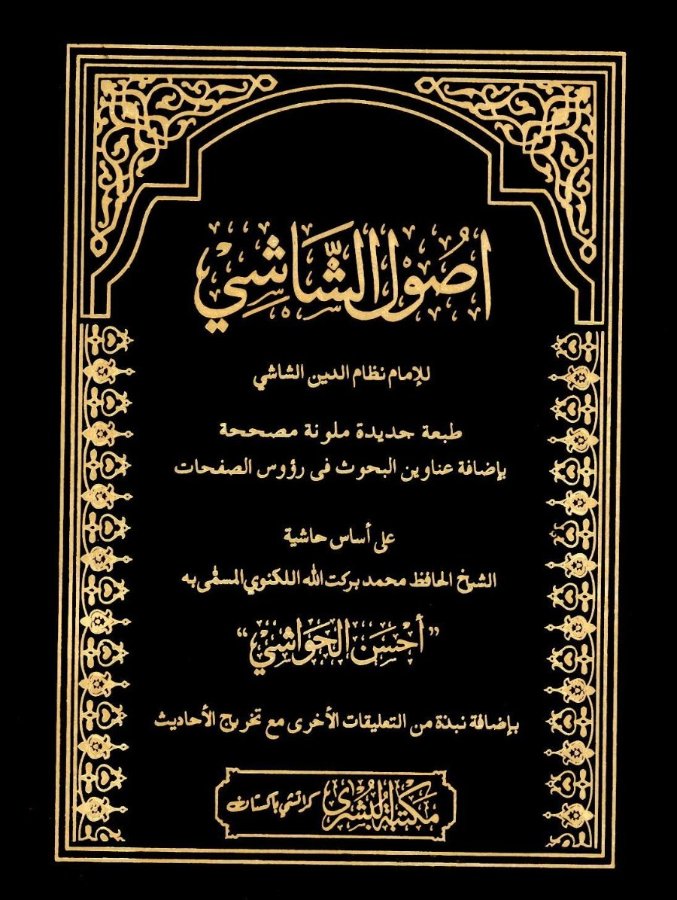 Usul ash-Shashi
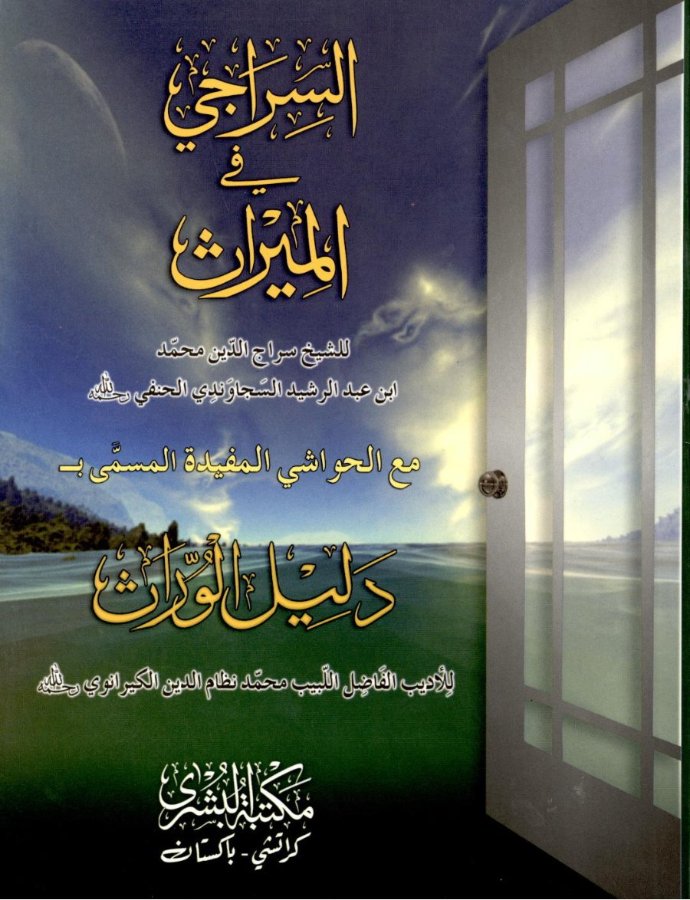 Al-Sirajiyyah fi al-Mirath (al-Sirajī)
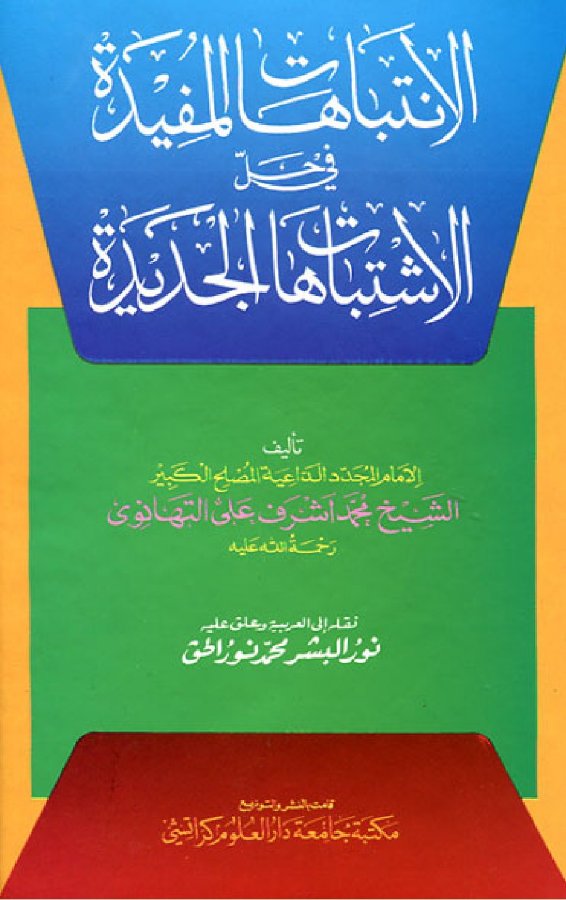 Al-Intibahat al-Mufidah fi Hall al-Ishtibahat al-Jadidah
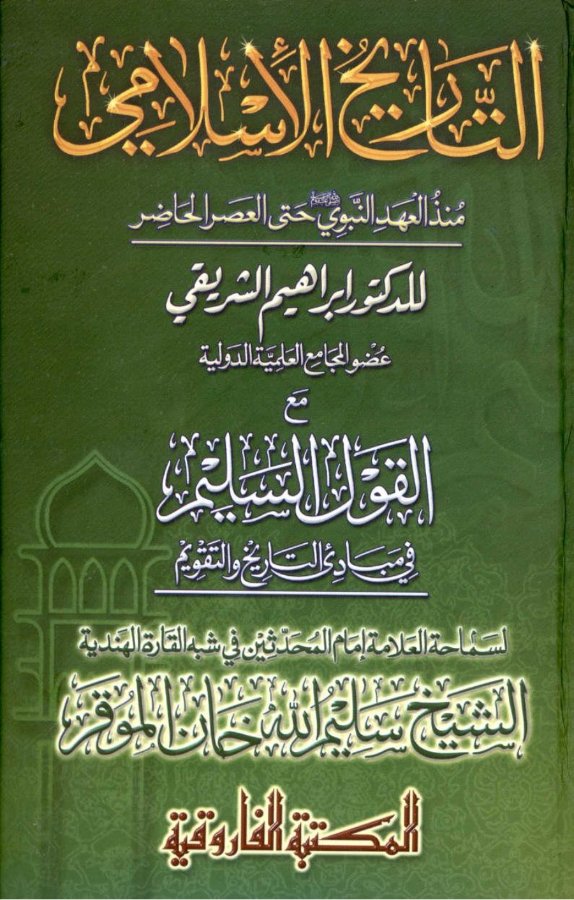 Al-Tarikh al-Islami (with Al-Qawl as-Salim fi Mabadi' at-Ta'rikh wa't-Taqwim)
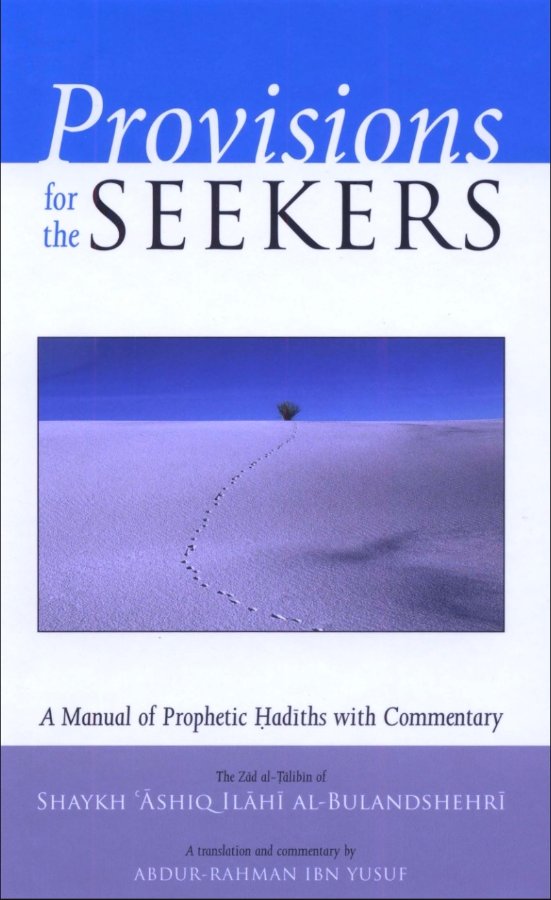 Provisions for the Seekers: A Manual of Prophetic Hadiths with Commentary (Zad al-Talibin)
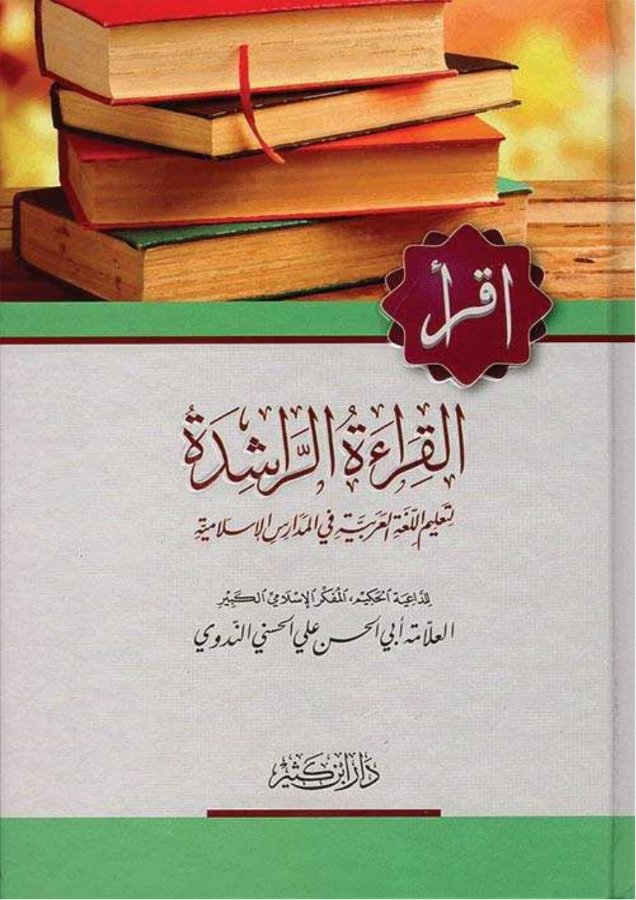 Al-Qira'ah ar-Rashidah
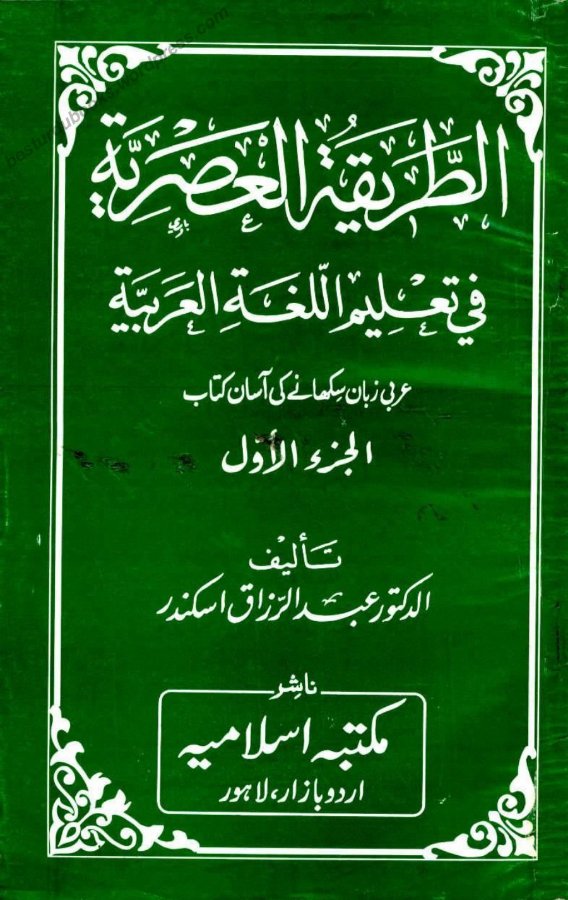 Al-Tariqah al-Asriyyah fi Ta'lim al-Lughah al-Arabiyyah, Part 1
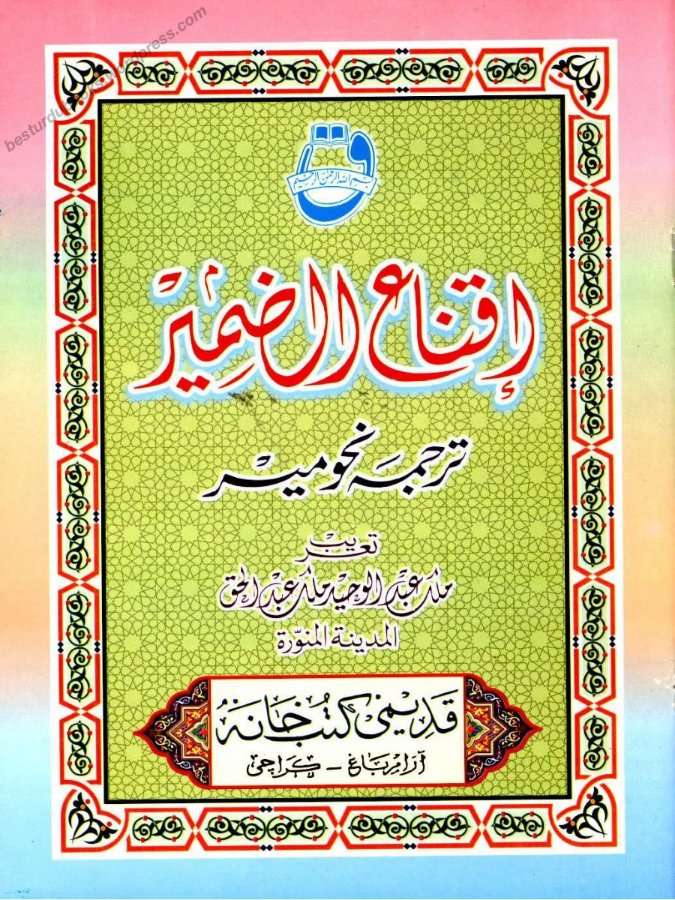 Iqna' ad-Damir (Arabic translation of Nahw Mir)
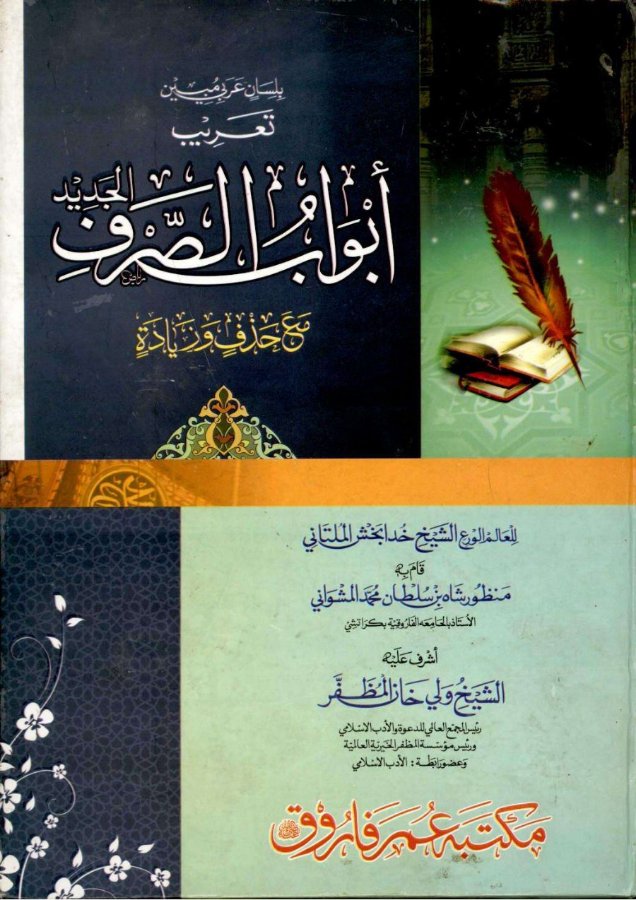 Abwab al-Sarf al-Jadeed (Arabic version)
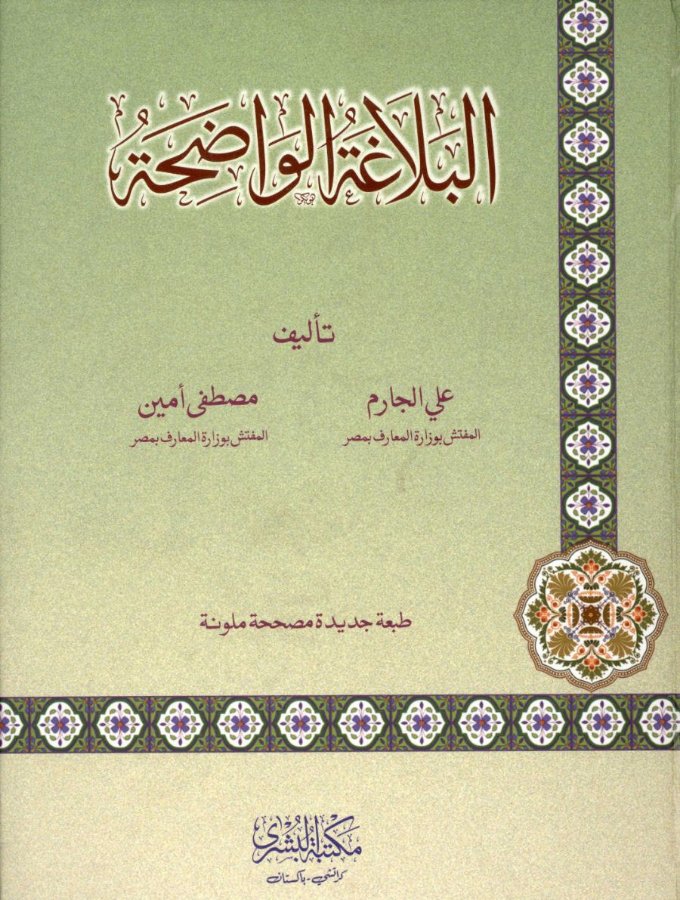 Al-Balaghah al-Wadihah
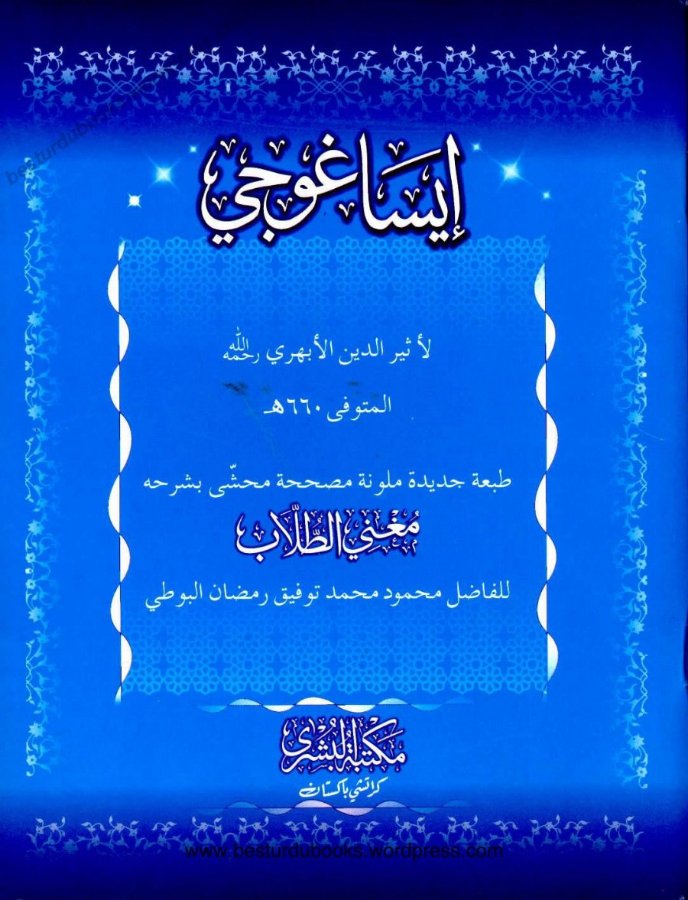 Isagoji (with the commentary Mughni at-Tullab)
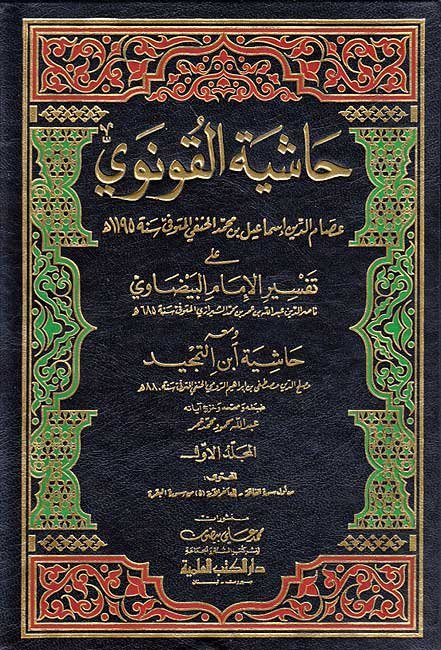 Hashiyat as-Sialkoti on Tafsir al-Baydawi
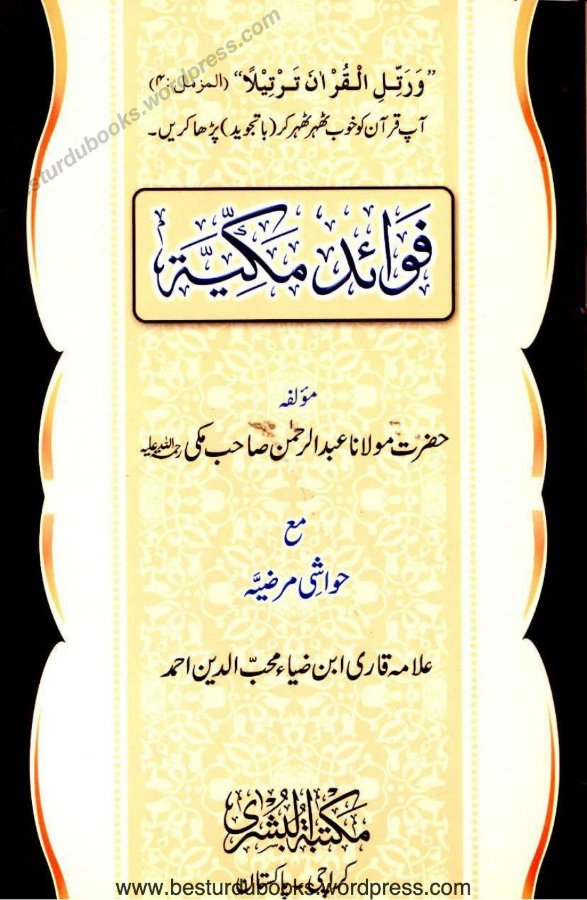 Fawaid Makkiyyah
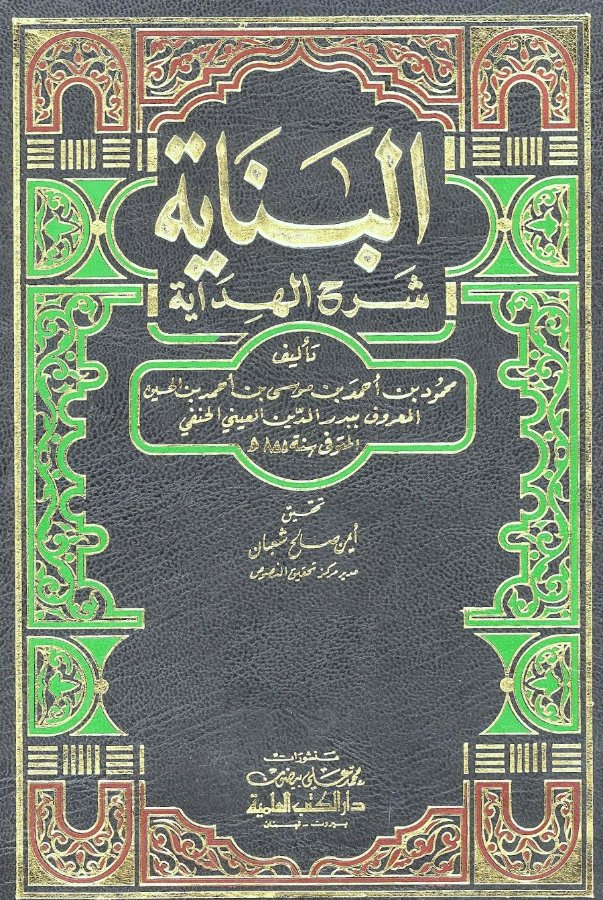 Al-Binayah Sharh al-Hidayah
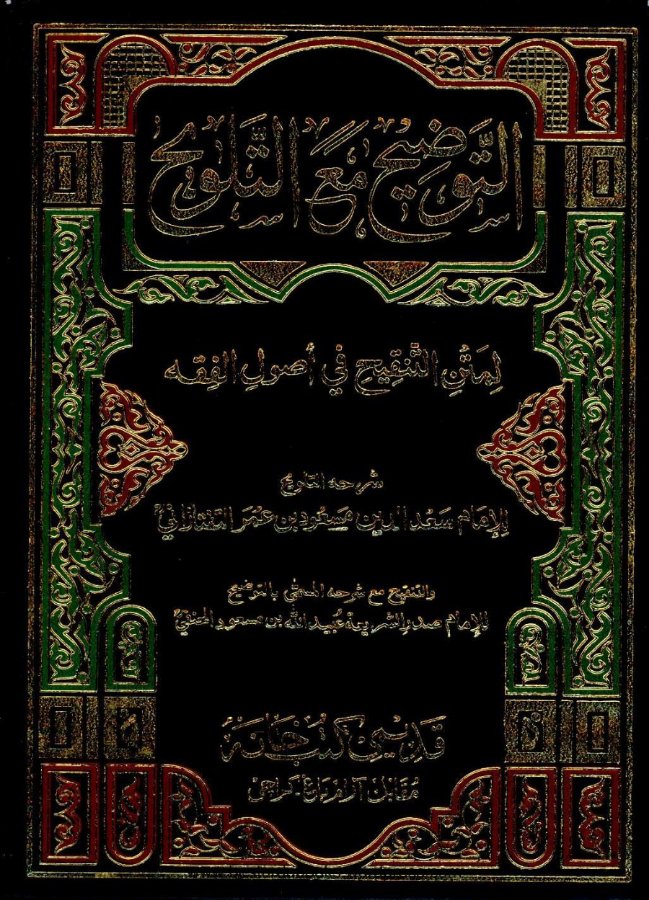 At-Tawdih ma'at-Talwih
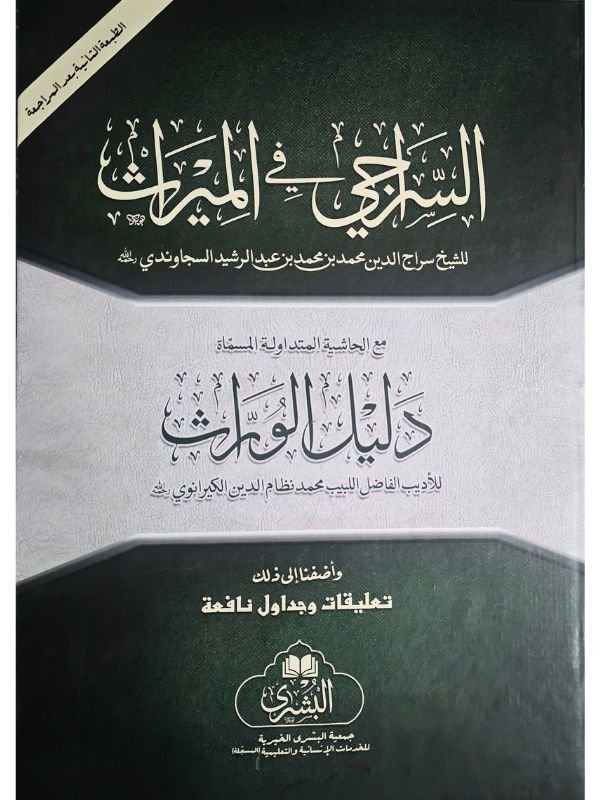 As-Sirajiyyah fil-Mirath (with ash-Sharifiyyah)
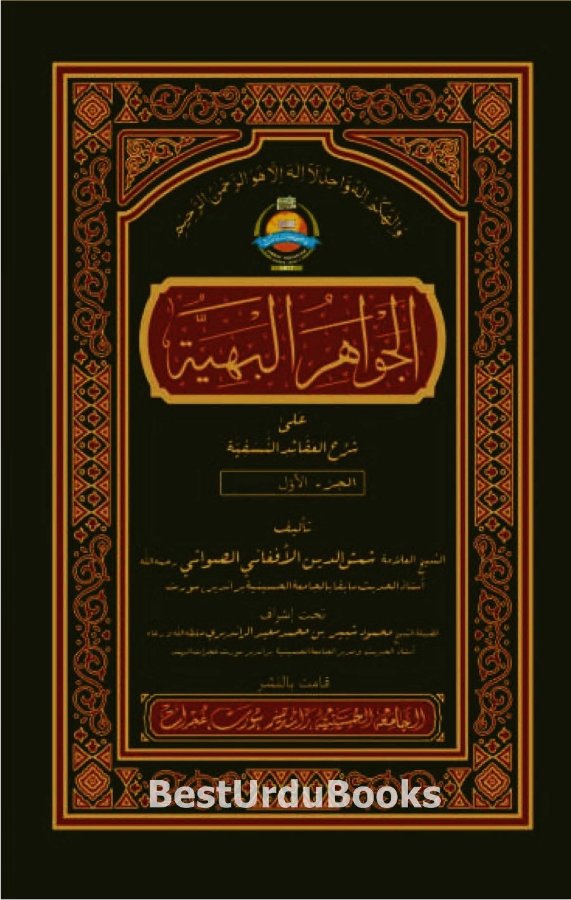 Al-Jawahir al-Bahiyyah ala Sharh al-Aqa'id an-Nasafiyyah
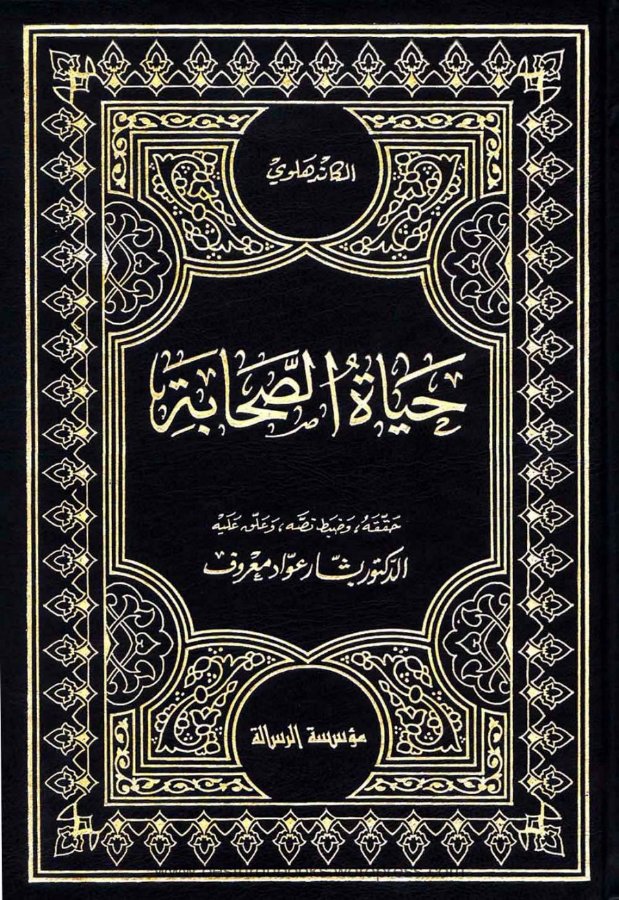 Hayat as-Sahabah
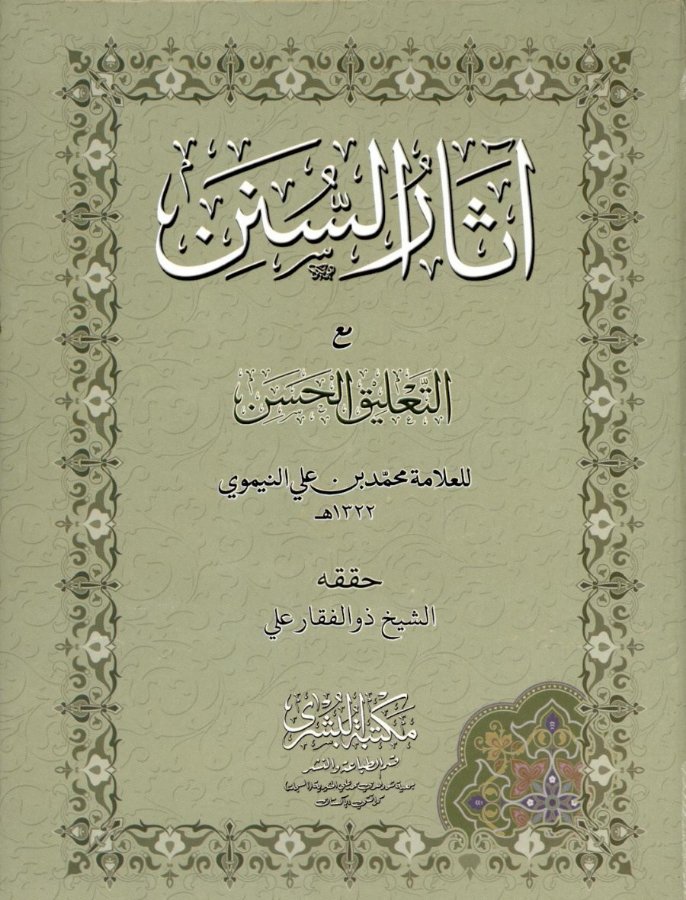 Athar as-Sunan with at-Ta'liq al-Hasan
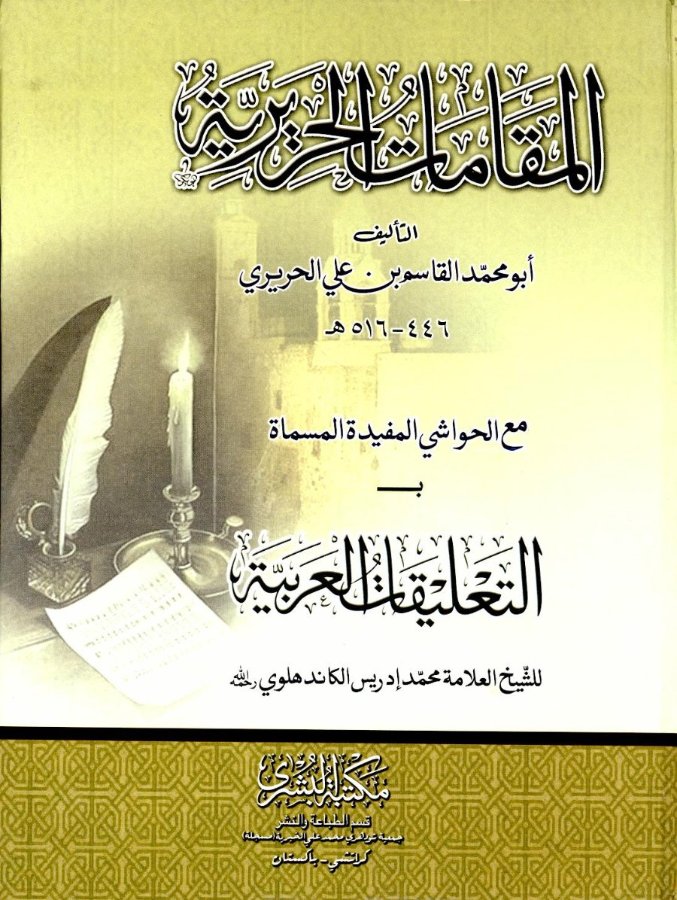 Al-Maqamat al-Hariri (with at-Ta'liqat al-Arabiyyah)
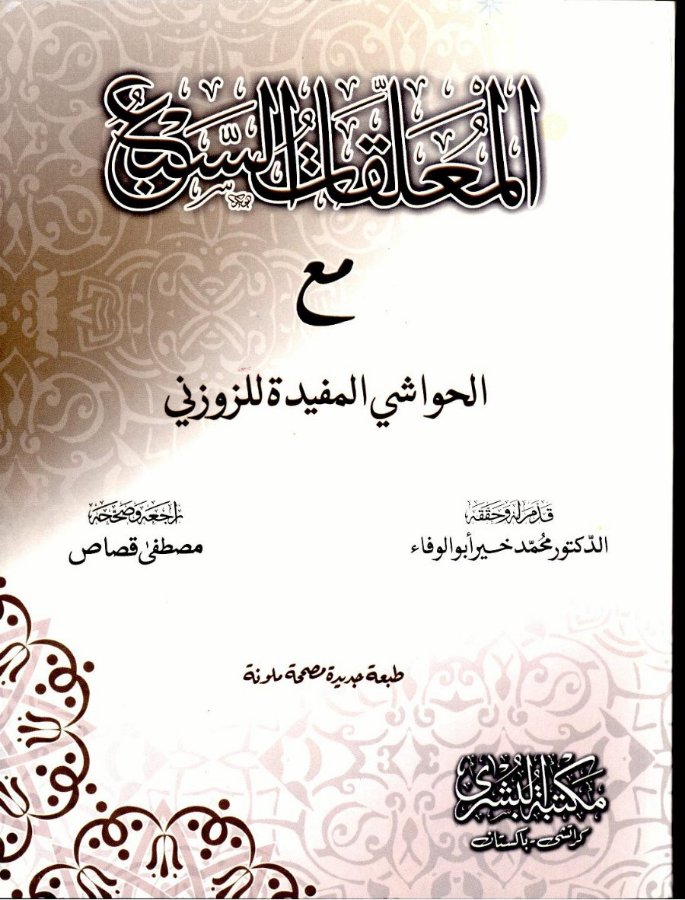 Al-Mu'allaqat as-Sab' with al-Zawzani's commentary
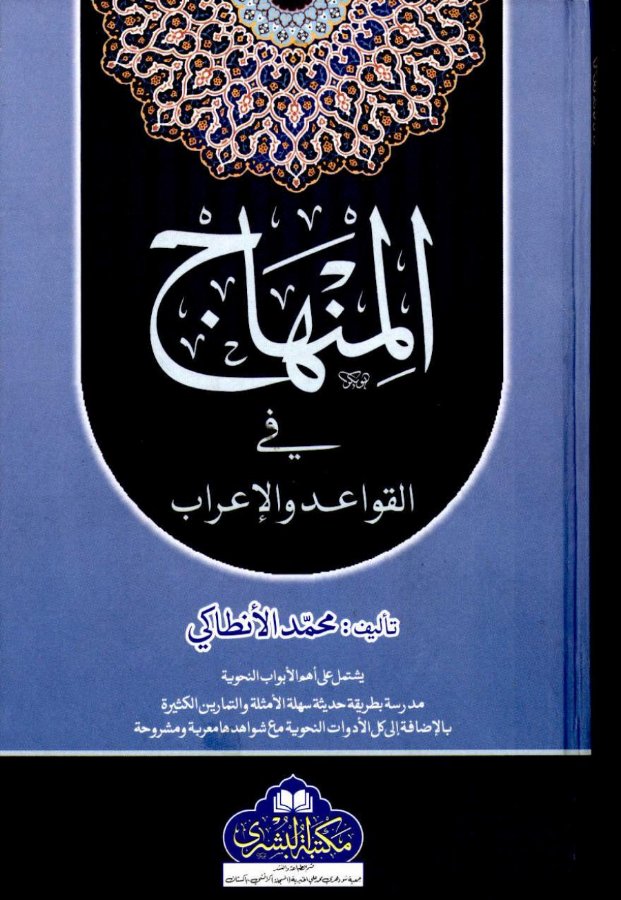 Al-Minhaj fi al-Qawa'id wa al-I'rab
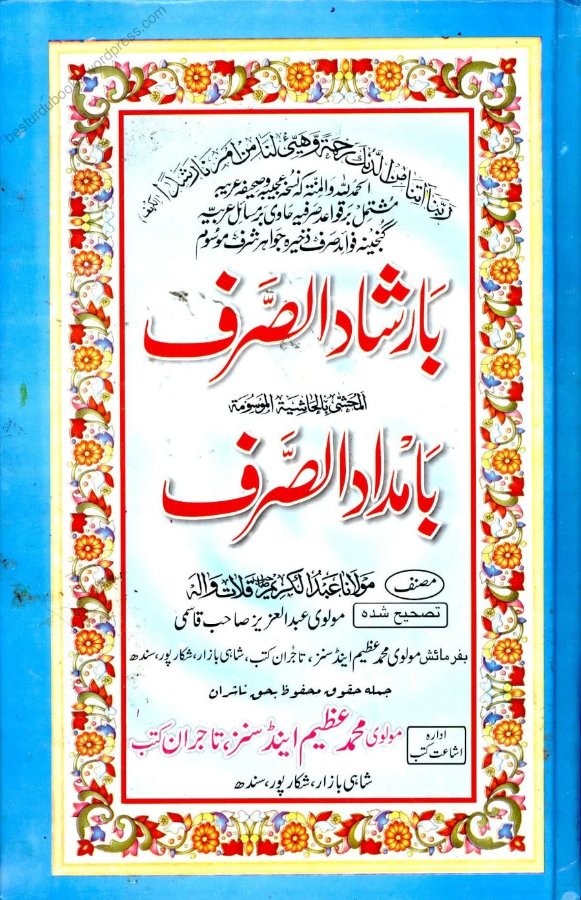 Irshad us-Sarf (with the Imdad us-Sarf commentary)
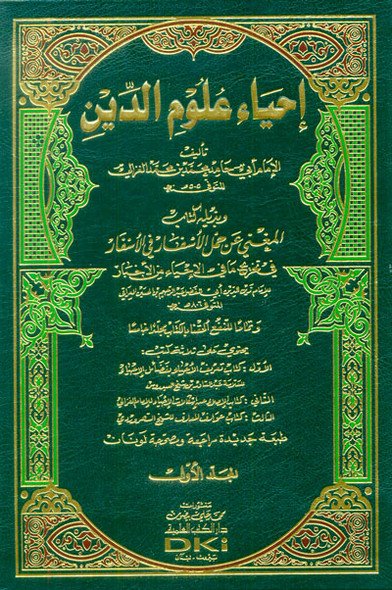 Al-Hashiya ala al-Mutawwal (Hashiyat al-Sharif al-Jurjani ala al-Mutawwal)
Browse the whole Library, or upload your own syllabus and Labbaik reads its contents page.
Home hears it the same day.
Parents get a notification when their child moves on, and the portal shows where they’re up to in every subject, their badges, and a Practise at home card for tonight’s Sabaq.
The progress page keeps their books, exams, progress over time and history. Admins publish term, monthly or yearly reports as PDFs, and adult learners follow their own progress without a parent account.
See the parent portalOne record, from first letter to graduation.
Qa’idah, Qur’an, Hifz, Tajweed, Duas, Islamic Studies and every Alimiyyah subject, kept on one student record that moves with them from class to class. Read more on Labbaik for madrasahs and Islamic institutes.
Questions & answers
Progress tracking, answered.
How do teachers record progress?
In the Progress register, the whole class is on one screen with Same or Next beside each student, so a Qa'idah or Qur'an class is marked in under a minute. Hifz has its own one-screen sheet for Sabaq, Sabaq Para and Dhor, and every tap saves. Kitabs are marked section by section, for the whole class at once.
Which Qa'idah books does Labbaik support?
Safar Qaida (including the abridged and Madani editions), Noorani Qaidah takhti by takhti, Iqra' Books 1 to 6 page by page, Ahsanul Qawaid in three editions, and SSiQR. Each student can be on their own book, and the register shows where they're up to.
Browse the Maktab shelf →How does Hifz tracking work?
Each lesson, the teacher marks Sabaq, Sabaq Para and Dhor: how much (half a page, a full page, lines or quarters) and how it went (Passed, Needs work or Repeat), with optional counts of mistakes, stuck moments and tajweed slips. The Journey tab shows how many of the 30 juz each student has memorised, and History keeps every lesson.
Can we use our own Hifz terms, like Sabqi and Manzil?
Yes. A Hifz programme can use Sabqi and Manzil instead of Sabaq Para and Dhor, and every screen, homework task and parent message follows the names you choose.
What do parents see?
A notification when their child moves on, such as "Maryam moved on in Qa'idah today", and a progress page in the parent portal showing where they're up to, their history and their badges. Homework arrives with a Listen and practise button, and admins can publish term reports as PDFs.
See the parent portal →What is the Qur'an Companion?
A Qur'an reader built into homework and progress, with Qur'an text, translations and recitations from Quran Foundation. Every Hifz and Qur'an homework task opens the exact ayahs set, recited ayah by ayah with each word highlighted, and the teacher can ask for it to be heard 2 to 50 times. It's free.
Explore the Qur'an Companion →How are Alimiyyah kitabs tracked?
Add a kitab from the Labbaik Library, or upload your own, and its sections become the checklist. Teachers mark each section Done or Skip for the whole class at once, or record a page number or percentage, and the sheet shows how many sections each student has finished.
Browse the Alimiyyah shelf →Can we download progress for the whole madrasah?
Yes. Admins and head teachers see a live feed of progress across every class, a Recitation overview for Hifz, and can download it as a PDF or Excel file.
More questions? See the full FAQ or get in touch.